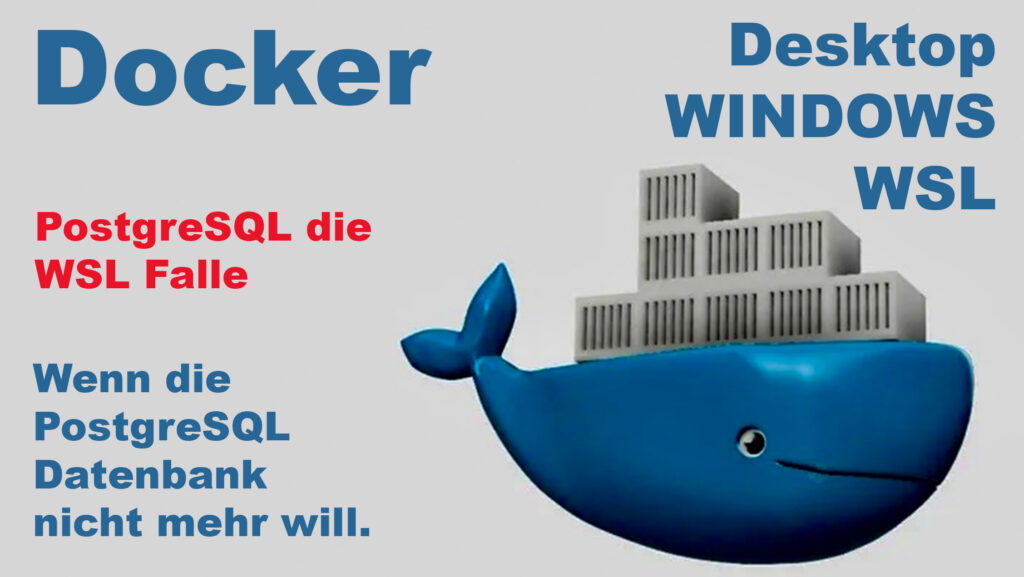
The Docker PostgreSQL trap in Docker Desktop and WSL. Even a single PostgreSQL update can be enough to cause the database to cras !
Docker on Windows looks simple at first glance:
Install Docker Desktop, start containers, done.
But as soon as PostgreSQL enters the picture under WSL2, you realize that two completely different worlds are colliding behind the scenes.
The crucial point is not Docker itself — but how volumes are mounted and which file permissions the Linux container actually sees.
Video: Docker PostgreSQL the Trap, under Docker Desktop and WSL
Language: 🇩🇪|🇬🇧
☝️ Use YouTube subtitles for all languages.
Many people start their containers directly from:
- WSL terminal
- Windows CMD
- PowerShell
…and expect identical behavior.
Technically, however, this is not the same at all.
Under Docker Desktop, Linux containers always run internally inside a Linux VM. PostgreSQL therefore expects:
- real POSIX file permissions
chmodchown- Linux UID/GID
- correct filesystem behavior
Now it gets interesting.
If Docker is started from a WSL terminal and the data is stored inside the Linux filesystem (/home/user/...), PostgreSQL works on a real ext4 filesystem.
All Linux file permissions behave exactly as expected.
But as soon as the data is placed on a Windows drive:
/mnt/c/
/mnt/d/
everything changes.
These mounts are not real Linux filesystems.
WSL uses a translation layer between:
- NTFS
- Windows ACLs
- Linux permissions
This often works fine for normal files.
Databases, however, are extremely sensitive when it comes to:
- ownership
- file permissions
- fsync
- inode behavior
- locking
That is exactly why many PostgreSQL versions appear to run perfectly stable for months — until an upgrade happens.
A typical case:
- PostgreSQL 14 works
- upgrade to PostgreSQL 16
- suddenly:
chmod: Operation not permitted
initdb: could not change permissions
Why?
Newer PostgreSQL versions validate permissions much more strictly and execute aggressive chmod/chown operations.
NTFS through WSL cannot fully emulate these Linux operations.
The result:
- the container constantly restarts
- the database never initializes
- even though the exact same structure worked before
The important difference is therefore not only:
- WSL vs Windows CMD
but above all:
- real Linux filesystem vs NTFS mount
Comparison:
| Environment | Filesystem | Linux Permissions | PostgreSQL |
|---|---|---|---|
WSL /home/... | ext4 | fully supported | stable |
WSL /mnt/d/... | NTFS via DrvFS | partially emulated | problematic |
| Windows CMD + Docker Desktop | NTFS | virtualized | often critical |
The most important insight:
Even though PostgreSQL is often described as virtualized and critical in such environments, it still represents the only reliable way to get PostgreSQL running stably.
Docker abstracts containers — but not the reality of the filesystem underneath.
And that is exactly where many database setups fail on Windows.

Support / Donation Link for the Channel
If my posts have been helpful or supported you in any way, I’d truly appreciate your support 🙏
#Docker #WSL #PostgreSQL #DockerDesktop #SelfHosted #DevOps #Database #SysAdmin #Homelab #TechBlog


Pingback: 6. May 2026 | Michael Klissner
Pingback: 18. May 2026 | Michael Klissner