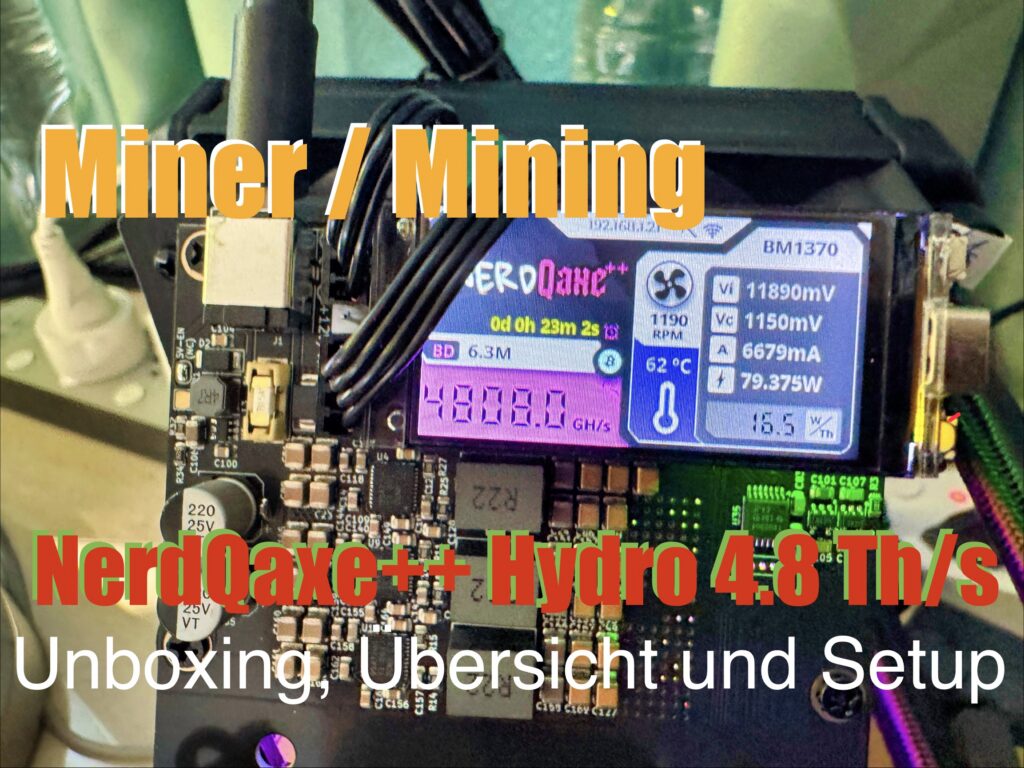
The NerdQaxe++ Hydro Miner is a specialized Bitcoin miner distinguished by its innovative, integrated water-cooling system. This technology not only enables quiet operation but also provides excellent thermal stability, maximizing hardware performance and lifespan. Below, you’ll find a concise overview, pros and cons, and a simple setup guide.
Technical Specifications Overview
| Specification | Details |
|---|---|
| Hash Algorithm | SHA-256 |
| Hash Rate | 120 TH/s ±5% |
| Power Consumption | 3200W |
| Efficiency | 26.7 J/TH |
| Cooling | Integrated Hydro-Liquid System |
| Noise Level | < 25 dB |
| Connectivity | Wi-Fi Only |
| Configuration SSID | NERD_xxxx |
| Configuration IP | http://192.168.4.1 |
Video: The NerdQaxe++ Hydro Miner: Efficient Mining with Water Cooling
Language: 🇩🇪|🇬🇧
☝️ Use YouTube subtitles for all languages.
Advantages
- Extremely quiet operation thanks to water cooling (< 25 dB)
- High thermal stability and improved chip longevity
- Compact, closed-system design
- Fully wireless setup and operation via Wi-Fi
Disadvantages
- Higher upfront cost compared to air-cooled models
- Wi-Fi dependency can be problematic with unstable connections
- Regular maintenance of the cooling system required
Efficiency and Performance
With an efficiency of 26.7 J/TH, the miner offers an excellent ratio between hash rate (120 TH/s) and power consumption (3200W). The water cooling ensures that this performance remains stable even during continuous operation, preventing chip throttling due to overheating.
Setup Guide (Fully Wireless)
1. Preparation
- Place the miner on a level, dust-free surface with good ventilation.
- Check the coolant level in the sight glass.
- Connect the power supply to a 220V/16A outlet.
- Ensure your home Wi-Fi is within range and that you have the login credentials ready.
2. Commissioning & Wi-Fi Configuration
- Turn on the miner.
- On your PC or smartphone, go to Wi-Fi settings.
- Connect to the network
NERD_xxxx. - Open a browser and go to
http://192.168.4.1. - In the web interface, navigate to “Network” / “Wi-Fi”.
- Select your home Wi-Fi from the list, enter the password, and save.
- Your device will now disconnect from the miner’s network. Reconnect it to your home Wi-Fi.
- Find the miner’s new IP address in your router’s client list or by using a network scanning app.
- Enter this new IP address in your browser to access the interface again.
- Under “Pool Configuration”, enter your mining pool details (Server, Port, Worker, Password).
- Save and check the dashboard to confirm the miner is connected and working.
3. Optimization & Maintenance
- In the interface, choose between Performance and Efficiency mode based on your electricity costs.
- Monitor chip temperatures (optimal range: 60-70°C).
- Schedule regular checks of the coolant level and system seals.
Done! Your NerdQaxe++ Hydro Miner is now running fully wirelessly and efficiently.
Tip: For maximum stability, place the miner within good range of your Wi-Fi router. If you experience connection issues, a Wi-Fi repeater can help.

Support / Donation Link for the Channel
If my posts have been helpful or supported you in any way, I’d truly appreciate your support 🙏
#BitcoinMining #HardwareReview #WaterCooling #Cryptocurrency #MiningRig #Efficiency #NerdQaxe #HydroMiner