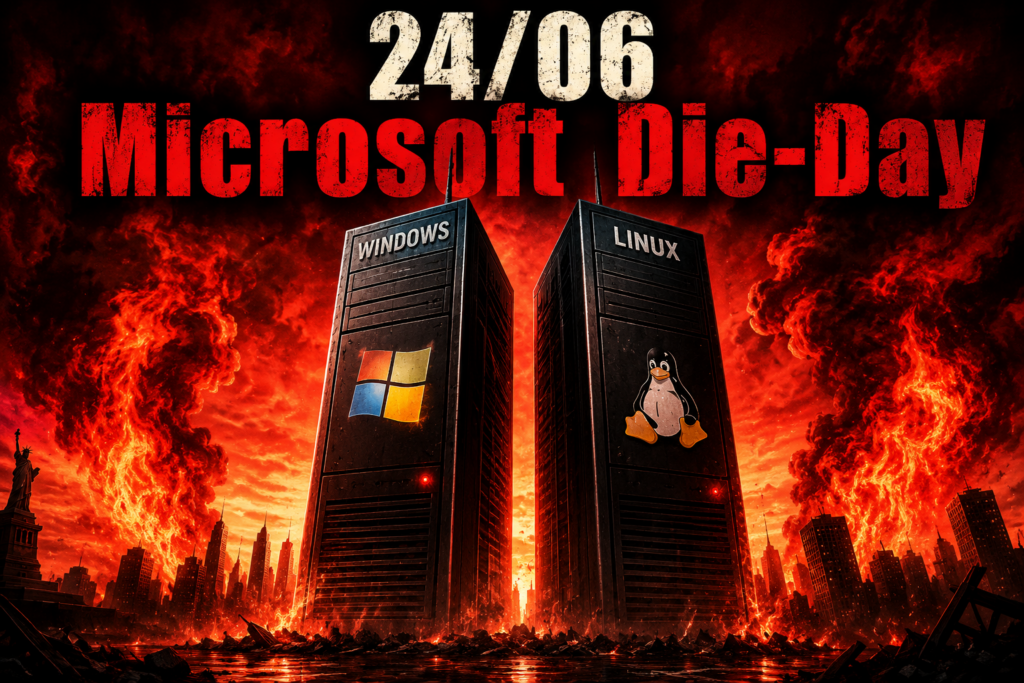
24/06 Microsoft Die-Day – Will the Secure Boot Certificate Transition Kill Millions of PCs?! Find out what’s happening, tests and solutions hier!
Introduction: The Great Panic – Are Millions of Computers About to Die?
For months, headlines have been spreading across the internet:
“Starting June/July 2026, millions of Windows PCs will no longer boot!”
“Microsoft is killing old computers!”
“Dual-boot systems with Linux will become unusable!”
As usual, however, the truth lies somewhere between panic and reassurance.
No, millions of computers will not suddenly turn into electronic waste on the deadline. Your PC will not automatically show a black screen the moment you press the power button.
The background is much more technical: Microsoft is replacing the old UEFI Secure Boot certificates from 2011 with a new certificate generation introduced in 2023.
These old certificates have been part of the Secure Boot infrastructure since the introduction of Windows 8 and ensure that only trusted bootloaders can start.
Video: 24/06 Microsoft Die-Day – Will the Secure Boot Certificate Transition Kill Millions of PCs?!
Language: 🇩🇪|🇬🇧
☝️ Use YouTube subtitles for all languages.
1. What is Secure Boot?
When a modern computer is powered on, the firmware starts first – the UEFI (Unified Extensible Firmware Interface).
UEFI initializes the hardware and then loads the operating system bootloader.
Secure Boot verifies:
“Is this bootloader genuine, trusted, and digitally signed?”
This mechanism protects against so-called bootkits and rootkits, which can install themselves before the operating system loads and are therefore difficult for Windows or Linux security tools to detect.
Old BIOS and Legacy Systems – Affected or Not?
There is an important detail here.
Older computers running in classic Legacy BIOS mode do not have Secure Boot at all.
That means:
Advantage:
- They are not affected by the certificate transition.
- An old Windows 7 PC running purely in BIOS mode will not suddenly refuse to boot.
Disadvantage:
- These systems have no Secure Boot protection.
- Modern security mechanisms are unavailable.
- Older operating systems often no longer receive security updates.
A Legacy PC is therefore not affected by the certificate issue, but from today’s perspective, it is significantly less secure.
Why Are Older Computers More at Risk?
The actual challenge is not Windows itself, but the firmware and whether the manufacturer still maintains it.
Critical candidates include:
- Laptops and desktops manufactured between 2012 and 2016.
- Systems with UEFI/BIOS that has never been updated.
- Computers without ongoing manufacturer support.
- Enthusiast systems running multiple operating systems.
A modern Windows 11 computer that receives regular updates will most likely be prepared automatically for the new certificates.
Linux and Dual Boot – Why Can It Become Complicated?
Linux distributions often use a component called the Shim bootloader when Secure Boot is enabled.
This Shim is signed by Microsoft and acts as the bridge between the UEFI firmware and Linux bootloaders such as GRUB.
Problems may occur if:
- an outdated Shim is used,
- the UEFI database contains old keys,
- firmware updates are missing,
- the Secure Boot databases are not updated.
An existing Linux installation will not automatically stop working. Problems usually appear during updates, fresh installations, or changes to the boot configuration.
2. The Practical Checklist: Am I Affected?
Step 1: Check Your Operating System
Windows 11
✔ Low risk
Action:
- Install all Windows updates.
Windows 10
✔ Low to medium risk
Action:
- Install all security updates.
- Check for manufacturer firmware updates.
Linux
⚠ Medium risk
Action:
- Check Secure Boot status and bootloader versions.
Windows + Linux Dual Boot
⚠ Increased risk
Action:
- Test both operating systems.
- Keep bootloaders updated.
- Have a current Linux live USB available.
Step 2: Check Secure Boot
Windows
- Press the Windows key.
- Type
msinfo32. - Look for “Secure Boot State”.
Result:
- On → Secure Boot is enabled.
- Off → No Secure Boot certificate issue.
Linux
Terminal:
mokutil --sb-state
Output:
SecureBoot enabled
→ Secure Boot is active.
Step 3: Check Firmware and Updates
Especially important for older systems:
- Check BIOS/UEFI version.
- Visit the manufacturer’s website for updates.
- Install available firmware updates.
Manufacturer tools:
- Lenovo Vantage
- Dell SupportAssist
- HP Support Assistant
What If Linux No Longer Boots?
Typical messages:
- Security Violation
- Invalid Signature
- Verification failed
Solutions:
- Boot using an up-to-date Linux live USB.
- Update Shim and GRUB.
- Check boot entries.
Emergency solution:
Disable Secure Boot temporarily in the UEFI settings.
Most Linux systems will then start again.
3. Expert Checklist
For administrators and enthusiasts, a deeper analysis is recommended.
Check UEFI or Legacy Mode
Linux:
[ -d /sys/firmware/efi ] && echo UEFI || echo Legacy
Check Secure Boot Status
mokutil --sb-state
Inspect UEFI Keys
sudo efi-readvar
Important sections:
- PK (Platform Key)
- KEK (Key Exchange Key)
- DB (Allowed signatures)
- DBX (Revoked signatures)
The newer 2023 generation certificates should be present.
Check Bootloader Versions
Debian / Ubuntu:
dpkg -l | grep shim
Fedora:
rpm -qa | grep shim
GRUB version:
grub-install --version
Check EFI Boot Configuration
sudo efibootmgr -v
Verify:
- Is Windows Boot Manager present?
- Is the Linux entry correct?
- Are there outdated or duplicate entries?
The Big Question: Is Running Without Secure Boot Dangerous?
Many users will simply say:
“I’ll just disable Secure Boot.”
Technically, this often works without any problems.
However, you should understand what you lose.
Without Secure Boot, the firmware can no longer verify whether the bootloader has been modified.
Possible risks:
- Bootkits can install themselves before the operating system.
- Rootkits can bypass security software.
- Modified bootloaders may go undetected.
- Attackers with physical access have more options.
For a private offline computer used only occasionally, the risk is lower.
For a production machine used for online banking, business data, or sensitive information, Secure Boot should remain enabled whenever possible.
Conclusion: No Microsoft “Die-Day”, But a Wake-Up Call
The 2026 Secure Boot certificate transition will not trigger a worldwide computer apocalypse.
The majority of modern Windows 11 computers will likely never notice the change.
The real problem cases will mainly be systems that have not been maintained for years:
- old laptops,
- outdated UEFI firmware,
- Windows 10 systems approaching end of life,
- Linux dual-boot configurations,
- older custom-built PCs.
The good news:
Most problems can be prevented with proper preparation:
✔ Keep your operating systems updated
✔ Check your firmware
✔ Keep your bootloaders current
✔ Create backups
✔ Keep a rescue live system available
The actual “Microsoft Die-Day” is therefore not a death sentence for old computers – it is more like a major health check for the last decade of PC history.

Support / Donation Link for the Channel
If my posts have been helpful or supported you in any way, I’d truly appreciate your support 🙏
#SecureBoot #Microsoft #Windows #Linux #CyberSecurity